Free Web Hosting Control Panel
Manage websites, domains, databases, PHP, SSL, DNS, and email from a single free control panel — no per-account or per-server licensing fees, unlike traditional paid panels.
OLSPanel is a fast, lightweight and completely free web hosting control panel built for OpenLiteSpeed. Manage websites, domains, PHP, databases, SSL certificates, email, DNS and server resources from one powerful interface.
OLSPanel provides complete Linux server and web hosting management with OpenLiteSpeed, multiple PHP versions, Auto SSL with Let's Encrypt, FTP management, PowerDNS, phpMyAdmin, file manager, firewall, backups, cron jobs, resource monitoring and multi-user access control. It is designed for VPS and dedicated servers that need a lightweight and easy-to-use hosting control panel.
Install OLSPanel Live Demo
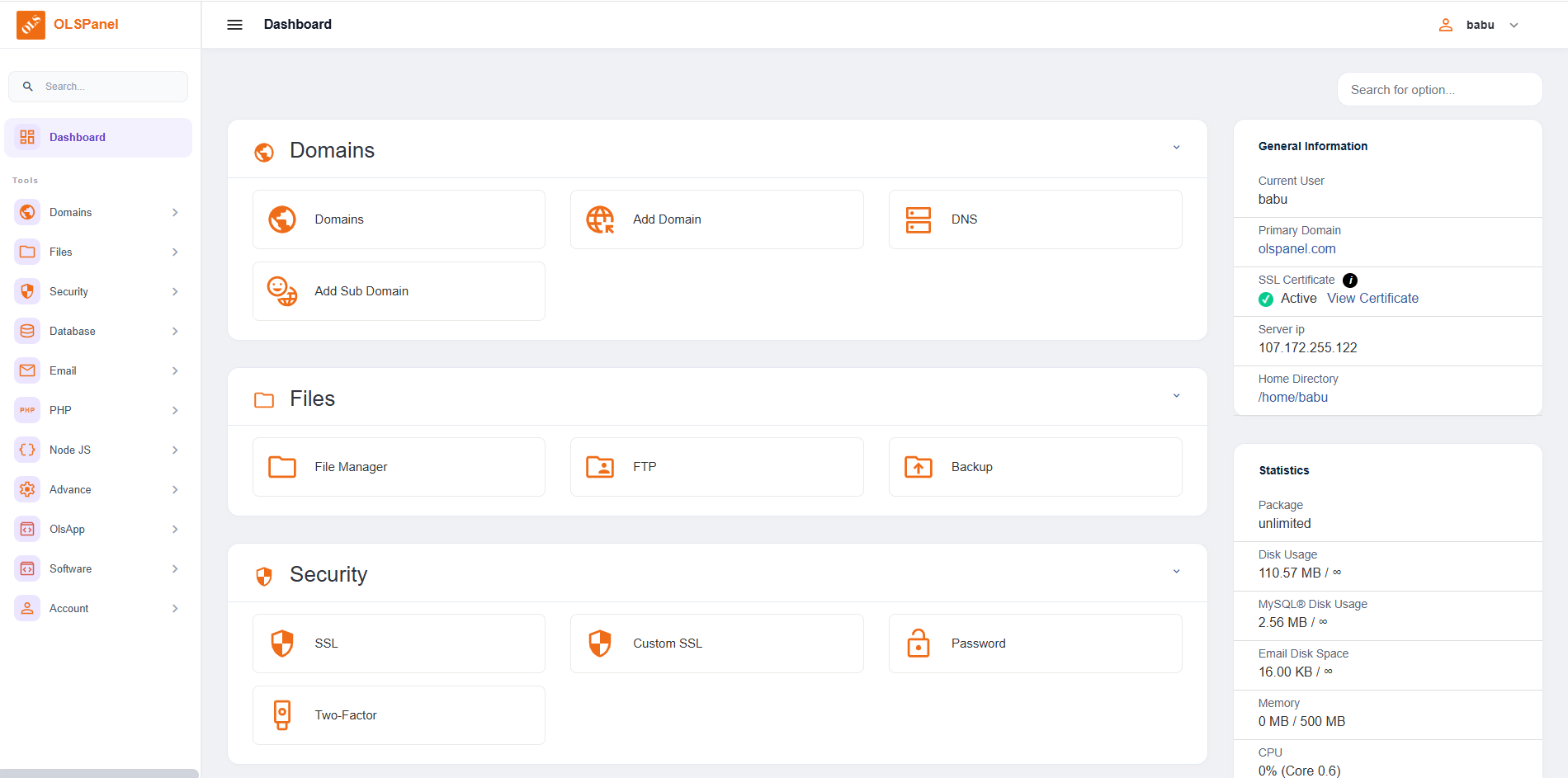
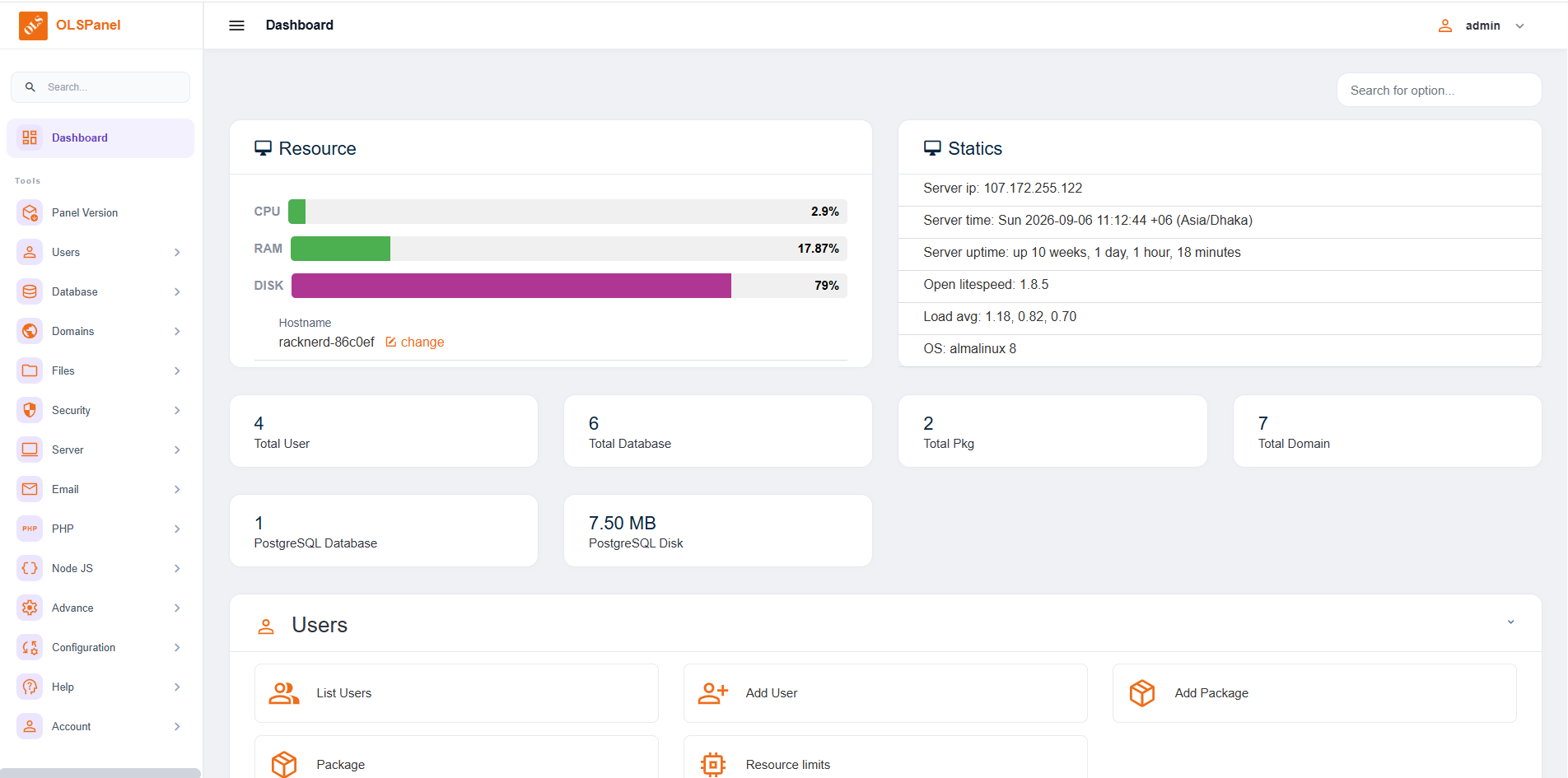
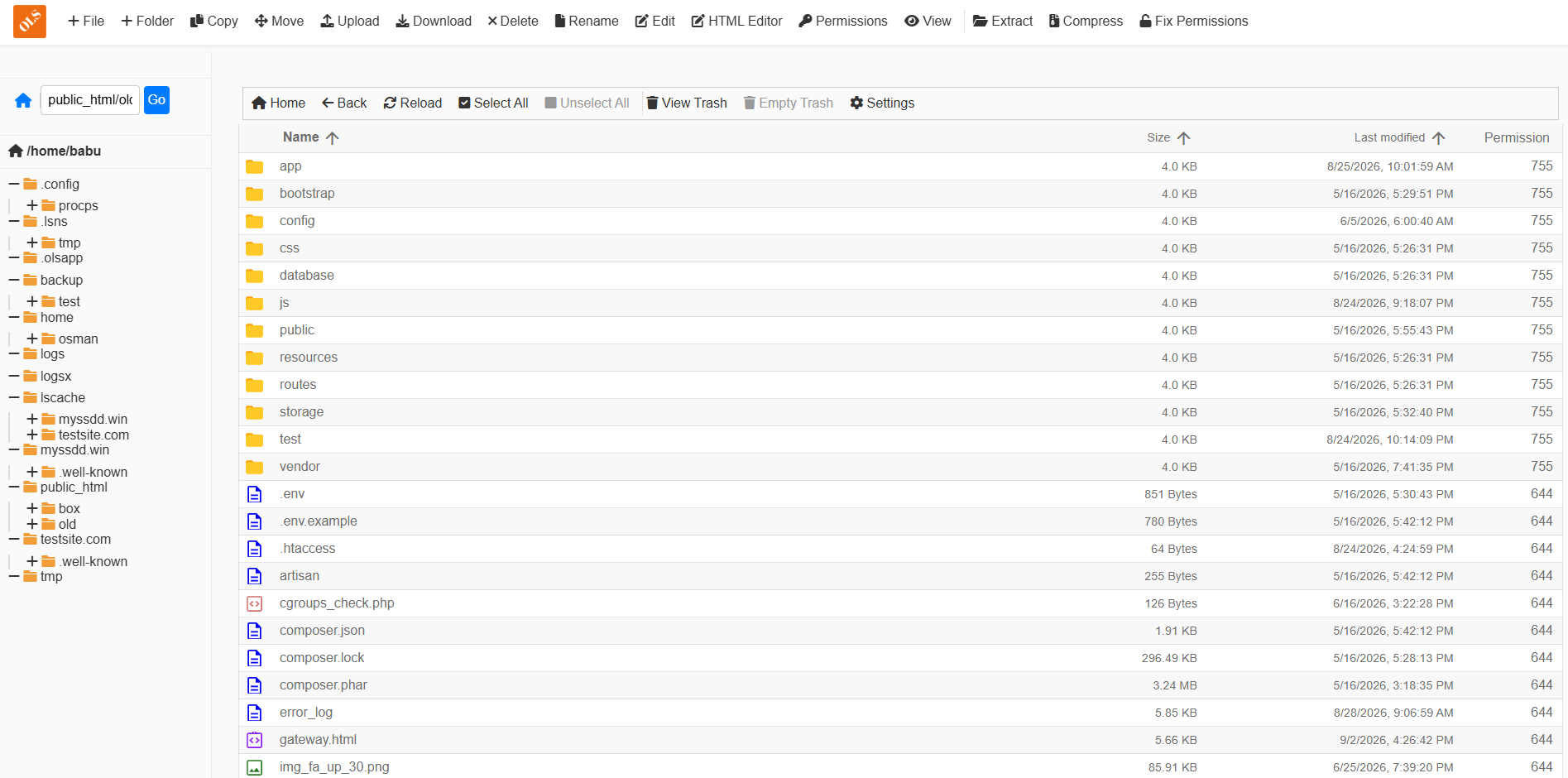

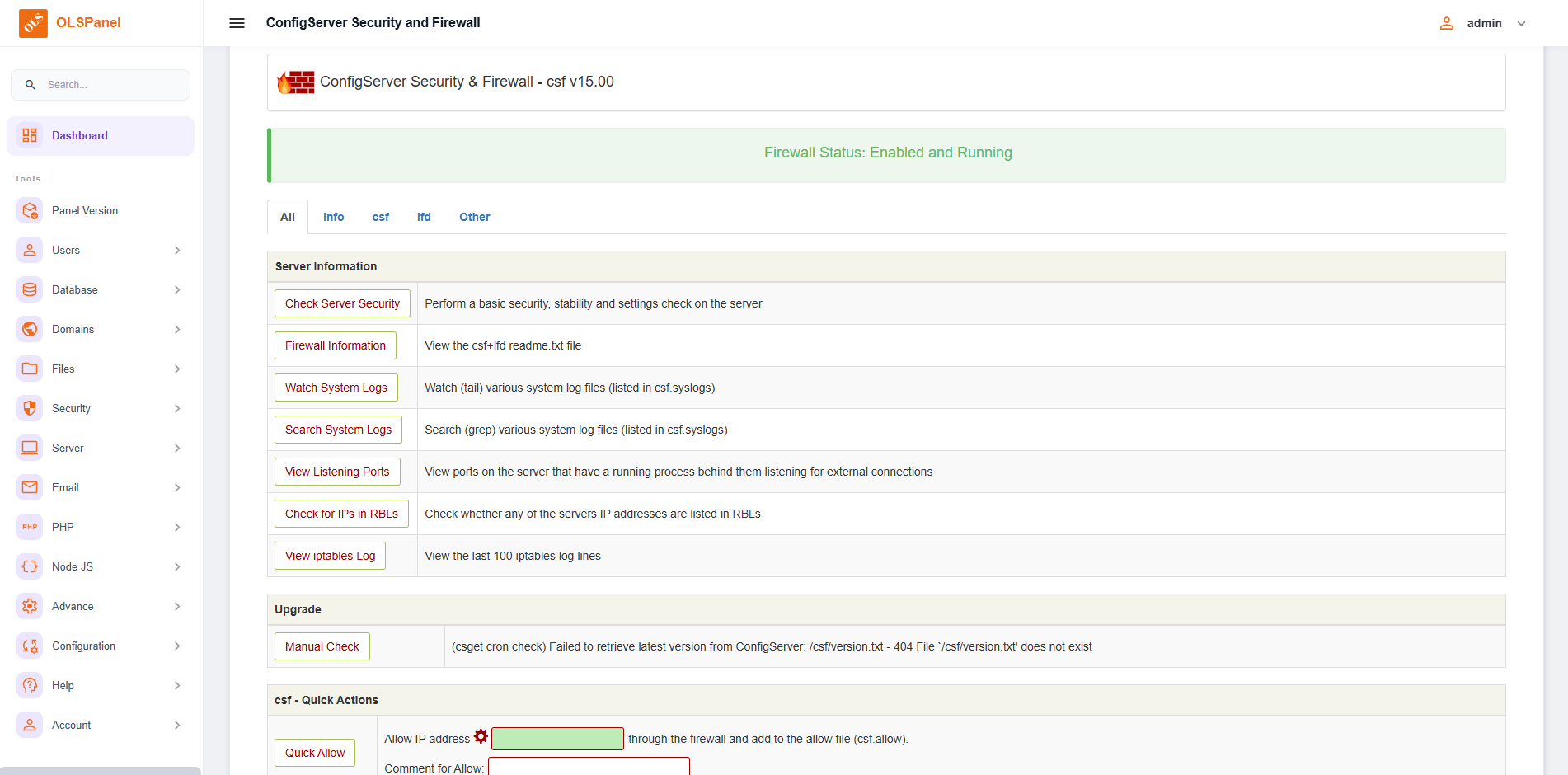
bash <(curl -fsSL https://olspanel.com/install.sh || wget -qO- https://olspanel.com/install.sh)Latest version (3.0.21)
After installation is completed, you will receive the login information including username, password and port.
Run PHP, Node.js, Python and static websites in isolated environments at the same time.
Create a new website with the OLSPanel installation wizard.
Select the application type and configure the required settings, including a free Let's Encrypt SSL certificate.

Multiple PHP versions are supported. Change the PHP version for an application with a simple configuration.
Run Node.js applications using an open-source, cross-platform JavaScript runtime environment.
Deploy Python applications using a modern programming language suitable for web applications and services.
ALL FEATURES
30+ CONFIGURED VHOST TEMPLATES
 WordPress
 PHP
PHP
 Joomla
Powerful server and hosting features available with OLSPanel.
Fast and efficient web server technology designed for optimized website performance.
Reliable and high-performance relational database management for web applications.
Support for MongoDB database management for applications that require a NoSQL database.
Powerful open-source PostgreSQL database management for modern web applications.
Manage website files and server data directly through the OLSPanel web interface.
Secure websites with free Let's Encrypt SSL certificates and automated certificate management.
Manage FTP access and transfer website files easily through the hosting environment.
Manage domain DNS records using integrated PowerDNS server management.
Back up and restore websites, databases and hosting data with convenient backup management tools.
Create and manage hosting accounts with configurable disk and bandwidth limits according to hosting packages.
Configure server firewall protection and manage network access to help protect your server.
Control CPU and memory usage for individual users to improve resource allocation and overall server stability.
Multiple security layers help protect servers, websites and hosted applications.
Isolate websites at the system level to help prevent vulnerabilities from affecting other websites.
Configure firewall rules to allow, deny or restrict services and network ports.
Restrict access to OLSPanel using approved IP addresses for additional server security.
Block unwanted IP addresses, domains and automated traffic from accessing hosted websites.
Protect websites during development and testing with additional access authentication.
Add an additional authentication layer to help secure OLSPanel administrator login.
Install and manage free Let's Encrypt SSL certificates for domains and subdomains.
Create automated backups of server instances and hosted data according to your backup configuration.
Connect websites with Cloudflare for DNS management, traffic routing and additional web security services.
Scan hosted websites for malware and suspicious files using integrated antivirus functionality.
OLSPanel is designed around lightweight server components and efficient web hosting management.
OLSPanel uses lightweight server components including OpenLiteSpeed, PHP, Redis and Node.js to provide an efficient hosting environment.
OLSPanel provides pre-configured server components to simplify hosting deployment and administration.
OLSPanel is designed as a lightweight control panel and can operate with a minimum configuration of 1 GB memory, 1 CPU core and 10 GB disk space.
OLSPanel is a free and lightweight web hosting control panel designed for managing websites, domains, PHP, databases, SSL, DNS, FTP and other hosting services on Linux servers running OpenLiteSpeed.
Yes. OLSPanel is available as a free hosting control panel for managing your own VPS or dedicated server. It provides tools for websites, domains, databases, PHP, SSL and other hosting services.
OLSPanel can be used as a free alternative to traditional paid hosting control panels for users who need website, domain, PHP, database, SSL and server management features.
Yes. OLSPanel is built for OpenLiteSpeed web servers and provides tools for managing websites, virtual hosts, PHP, SSL and hosting services.
OLSPanel can operate with a minimum configuration of 1 GB RAM, 1 CPU core and 10 GB disk space. A clean Ubuntu installation is recommended for installation.
OLSPanel can be installed using a single command. Use the installation command provided on the OLSPanel documentation and follow the installation instructions.
Yes. OLSPanel supports multiple PHP versions and provides PHP configuration and management tools for websites and web applications.
Yes. OLSPanel supports free Let's Encrypt SSL certificates through its Auto SSL functionality.
Yes. OLSPanel provides database management functionality and supports database technologies used by modern web applications.
Yes. OLSPanel is designed for VPS and dedicated servers where you have root-level access and need a web hosting and server management control panel.